
With Recast, you can offer direct-to-consumer PPV or brand-funded access to your content directly from your own website or platform.
This guide is designed to help you get the most from Recast by making your content easier to discover, access, and promote.
Your website/platform should be the primary destination for fans looking to watch your content. The easier you make it for audiences to find, understand and access your Recast-powered content, the more effective your campaign will be.
.png)
Add a clear “Watch” item to your main website navigation.
This should link directly to the page where your Recast widget is embedded. If your audience is coming to your site with intent to watch, the path to purchase should be immediate.
Suggested navigation labels:
Use your homepage to drive awareness before, during and after major content moments.
Recommended placements include:
Example homepage banner copy:
Access [Event/Video Name] Now
Watch directly from [Brand Name Site]. No subscriptions, just pay for what you watch.
CTA: Watch now
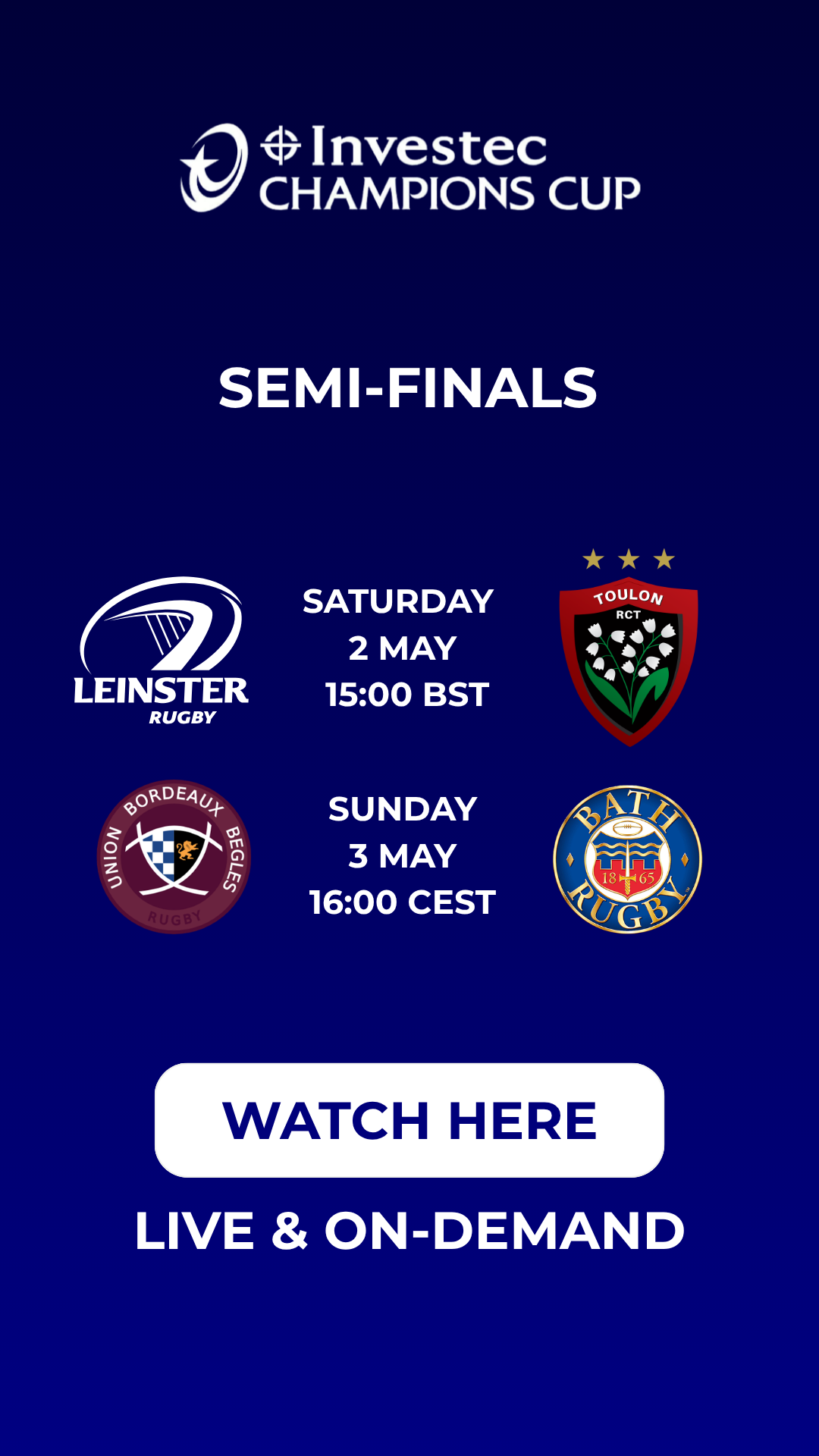
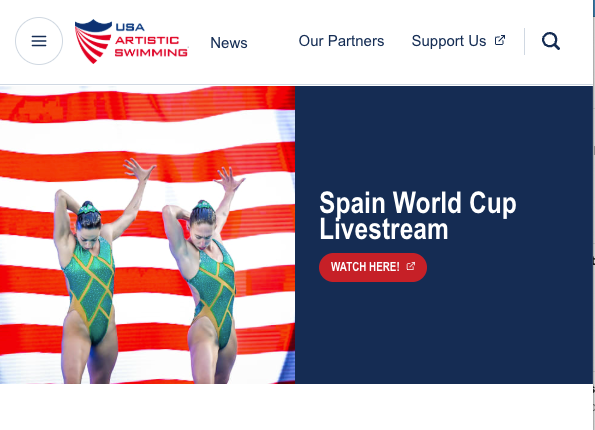
Example: Homepage Banners
Portrait
Landscape
Do not rely on one standalone “watch” page alone. Link to your Recast widget page from any relevant content across your website.
Good linking opportunities include:
Example in-page copy:
Want to watch [content name] without a subscription?
[Event/Video Name] is available live and on demand. Watch directly from [Content Owner site] with no subscription required.
CTA: Watch live
Some fans may be new to RecastPay. A short explanation can reduce confusion and improve conversion. Plus, if you sell your rights internationally, a ‘How to Watch’ page will allow you to explain where your content is available via RecastPay.
Suggested copy:
You can watch [Event/Video Name] directly on [Content Owner URL] using via RecastPay in [List Regions] - No subscriptions - just PPV access to what you want, when you want.
Enjoy the freedom to watch on your terms — no long-term commitments, no hidden costs, no limits. Powered by a credit-based wallet, RecastPay let's you purchase only for what you choose, making [Brand Name} content more accessible, affordable, and rewarding.
To access the content:
No subscription is required. You only pay for the content you want to watch.
With Recast, you can embed either a full channel widget or a widget showing a specific number of individually selected events or videos.
Use a full channel widget when:
Use a selected-content widget when:
Think about what your audience will search for when looking for your content. Use those terms in your page title, headings, body copy and metadata.
Include keywords such as:
Example page title:
Watch [Content Name] Now | [Brand Name]
Example meta description:
Watch [Content Name] here. Subscription-free pay-per-view access available directly from [Content Owner URL].
Example on-page heading:
Watch [Content Name] - No Subscriptions - simple PPV access
You should leverage your social media to create a consistent drumbeat of awareness before, during and after your content becomes available via RecastPay.
The goal is not just to announce that content exists - you should repeatedly give your audience clear reasons to watch and a simple route to access.
When you are actively promoting live or on-demand content, update your social media bio link to point directly to your “Watch” landing page.
Suggested bio copy:
Watch live and on demand: [insert link]
Or:
[Content Name] available here: [insert link]
Your audience may be new to RecastPay. Use explainer videos, social graphics, “how to watch” images and short copy to help fans understand the purchase flow.
.png)
Download Recast’s Explainer Assets here.
Key messages to communicate:
Suggested explainer post:
Watching [Event/Video Name] is simple.
→ Go to [widget page URL]
→ Click the stream
→ Create or sign in to your free RecastPay Wallet
→ Purchase instant access
→ Watch live or on demand
No subscription required. Watch here: [insert link]
Build a content calendar around each major video, event, stream, replay or Access Pass campaign.
A strong schedule should include:
.png)
Do not rely on a few launch posts. Audiences often need to see a message several times before taking action.
Recommended cadence for a live event:
Where possible, use formats that allow a direct link.
Useful formats include:
Suggested story copy:
Live today
[Content Name] is available, directly on [brand website].
No subscription required.
Tap to watch: [link]
Use social channels to create urgency around pricing, live availability and time-sensitive access.
Your existing database is one of your most valuable promotional channels. Email audiences already know your brand, understand your content and are more likely to convert than cold audiences.
Use email to drive traffic to your Recast widget page.
Example Email Campaign:
.png)
Recommended email types:
Where rights, pricing, availability or event times vary by market, segment your CRM by geography.
This allows you to give fans the most relevant “how to watch” information.
Examples:
Suggested copy:
Fans in [country/region] can watch [Event/Video Name] via RecastPay directly from [Brand Name].
The content will be available from [local time], with subscription-free access from [$X.XX].
As a reminder, you can ask your users opt-in to your marketing via the Recast purchase flow.
Simply send us your privacy policy, and we will add the opt-in box to your users.
You’ll be able to access all your opt-in data (plus all other sales data), directly from your Recast for Business dashboard.
Not every piece of content needs to sit behind a transaction. Free-to-air platforms can play an important role in driving awareness and demand for the premium content available via RecastPay.
Use platforms such as YouTube, Instagram Reels, TikTok, Facebook, X and LinkedIn to publish promotional content that drives audiences to your Recast widget page.
Useful top-funnel assets include:
Every top-funnel asset should include a direct call to action to your ‘Watch” page where your Recast widget lives.
Recast gives you the flexibility to test, optimise and adapt your pricing strategy.
You can change the price of a piece of content, or publish/unpublish Access Pass promotions at any time.
Early bird pricing can help drive early sales and create urgency before an event.
Suggested copy:
Early bird access is now available for [Event/Video Name].
Buy before [date/time] and save before standard pricing begins.
For major content launches, consider a short launch promotion.
Examples:
Suggested copy:
To celebrate the launch of [Content / Event / Series], fans can access the stream at a reduced price for the first 24 hours.
Pricing can change depending on where the content sits in its lifecycle.
Example structure:
This can help you maximise revenue from peak live demand while continuing to monetise long-tail on-demand viewing.
Once launch urgency has passed, consider lowering the price for on-demand replays or archive content.
Access Passes can help increase average order value by bundling multiple events or content windows.
Examples:
Suggested copy:
Get more from [Brand Name] with a [X-Day / Event / Season] Access Pass.
Watch multiple events and replays with one purchase.
Use pricing as an optimisation tool. Review performance after each campaign and look for patterns.
Useful questions:
Recast’s distribution enables you to maximize reach of your content by incentivizing Content Distributors to publish and promote your content. Learn more here:


