Before you set up your vendor account, you'll be asked to first create a Recast user account, or if you already have one, you can sign-in with your existing user account details.
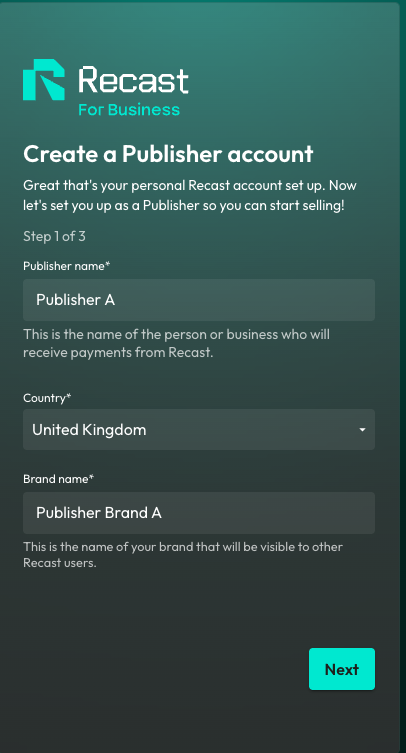
Create your Publisher account
Now, you can set up your Publisher account. This is the person or business that will be paid out any earnings from your sales via Recast. You'll need to provide some details such as the primary contact for the vendor and once you've done that you can start setting up your Brand.
Enter your Brand details
Your Brand is your public-facing part of your Vendor account. Add your logo and cover image that makes you easily recognisable to content owners on Recast's distribution marketplace.
Brand Logo Dimensions - Logos are based on a 1:1 aspect ratio. Similarly, try to leave a safe area of about 20% around the edge of the image uploaded to prevent cropping.
You are now signed up and are logged in to Recast for Business.
Get whitelisted to publish content
IMPORTANT: In order to get whitelisted to publish third-party content, you must now contact partnersupport@recastpay.com, confirming the content you would like to publish.
Start earning
Once whitelisted, a member of the Recast team will let you know, and you'll then be able to start publishing content. For more information on how to Publish content using a Publisher Embed Widget, click here.
And that’s it! You’ll earn from every purchase of content from the widget on your website in line with the revenue split you’ve agreed with the Content Owner.
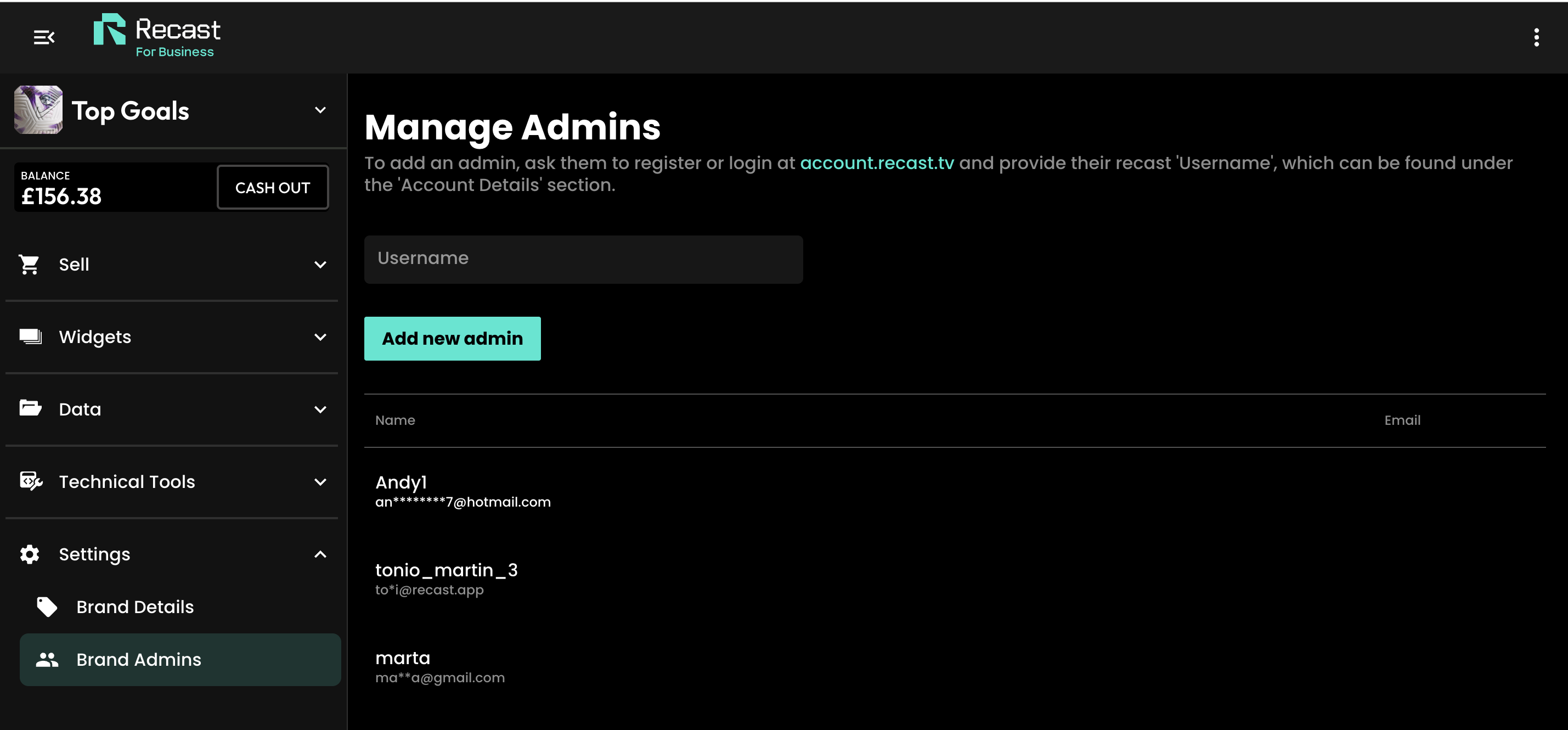
Add additional brand admins
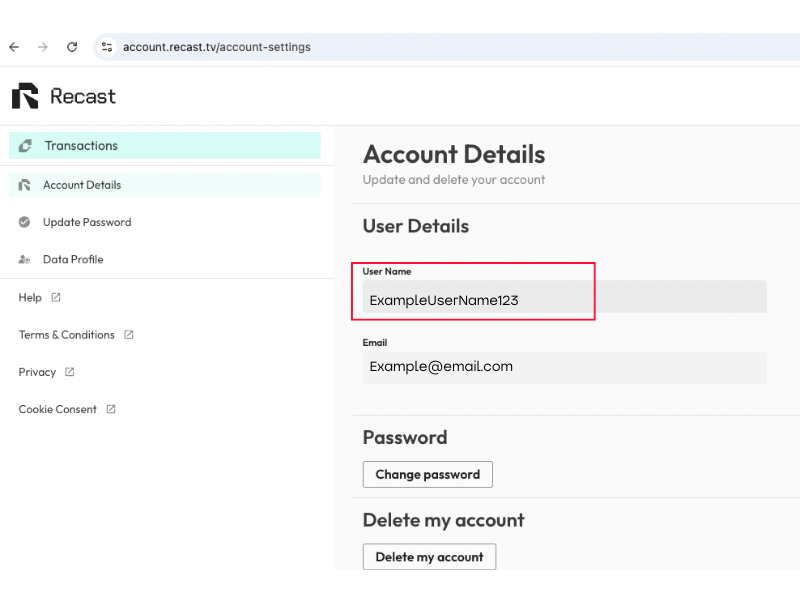
To add additional admins for your account, first make sure they have signed up for a Recast user account and ask them to share their account User Name